
Building a Secure Email Obfuscator Component with Vue.js and Astro
· 3m ·

Introduction
Ever noticed how quickly a publicly posted email address gets flooded with spam? Bots are constantly crawling the web, hunting for email addresses to add to their spam lists. Let’s fix that by building a Vue.js component that keeps email addresses safe from these pesky scrapers while making sure real users can still reach you.
Why Do We Need This?
Spam bots are getting smarter every day. They scour websites looking for anything that resembles an email address - whether it’s in plain text, hidden in a mailto link, or tucked away in a contact form. Once they find an email, it’s likely to end up in spam databases or, worse, become a target for phishing attacks.
Traditional solutions like using images or basic JavaScript tricks don’t cut it anymore. We need something more robust that works for everyone - even folks who have accessibility (a11y) needs.
Building the Solution
Let’s create EmailObfuscator.vue, a component that encodes email addresses on the server and safely decodes them for real users.
Here’s how we’ll do it:
The Component
Here’s our Vue component in all its glory:
<script setup>
import { onMounted, ref } from 'vue'

const props = defineProps({
  emailEntities: {
    type: String,
    required: true,
  },
})

const decodedEmail = ref('')

onMounted(() => {
  const decoder = document.createElement('textarea')
  decoder.innerHTML = props.emailEntities
  decodedEmail.value = decoder.textContent.trim()
})
</script>

<template>
  <a v-if="decodedEmail" :href="`mailto:${decodedEmail}`">
    <slot>
      {{ decodedEmail }}
    </slot>
  </a>
  <slot v-else name="fallback">
    Email address protected
  </slot>
</template>
What Makes It Work?
Encoding
We’re turning each character of the email into its HTML entity equivalent. It’s like writing in a secret code that bots aren’t usually trained to understand, but browsers can easily decode. Here’s what happens behind the scenes:
const email = 'contact@example.com';
const encoded = Array.from(email)
  .map(char => `&#${char.charCodeAt(0)};`)
  .join('');
// Turns into: contact@...
Safe Decoding
When a real person visits your site, their browser quietly decodes the email back to its readable form. We use the browser’s built-in HTML parsing to handle this safely and efficiently.
Fallback Plan
Not everyone browses with JavaScript enabled. Our component has that covered with a clean fallback that still protects the email address while giving visitors alternative ways to get in touch.
Using It with Astro
Astro makes our component even better with its server-side rendering. Here’s how to plug it in:
---
import EmailObfuscator from '@/components/EmailObfuscator.vue'

// Encode the email server-side
const email = 'contact@example.com'
const emailEntities = Array.from(email)
  .map((char) => `&#${char.charCodeAt(0)};`)
  .join('')
---

<section class="contact-section">
  <h2>Get in Touch</h2>
  <EmailObfuscator
    emailEntities={emailEntities}
    client:only="vue"
  >
    <span slot="fallback">
      Try our contact form below
    </span>
  </EmailObfuscator>
</section>
See It in Action
Here’s how it looks in different scenarios:
-
Without JavaScript:
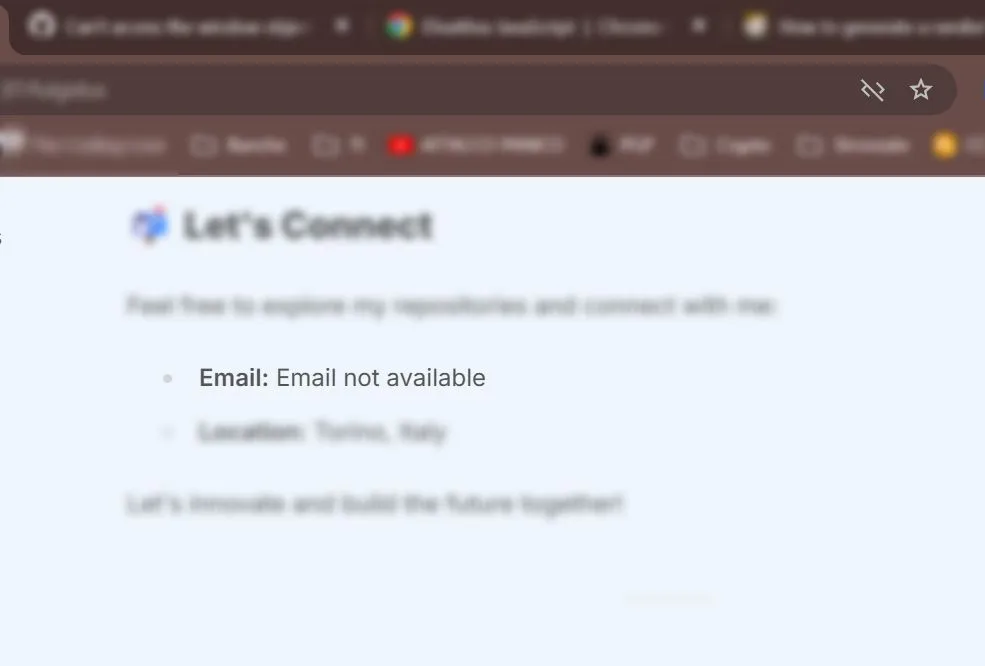 Keeps your email safe when JavaScript is off
 -
With JavaScript:
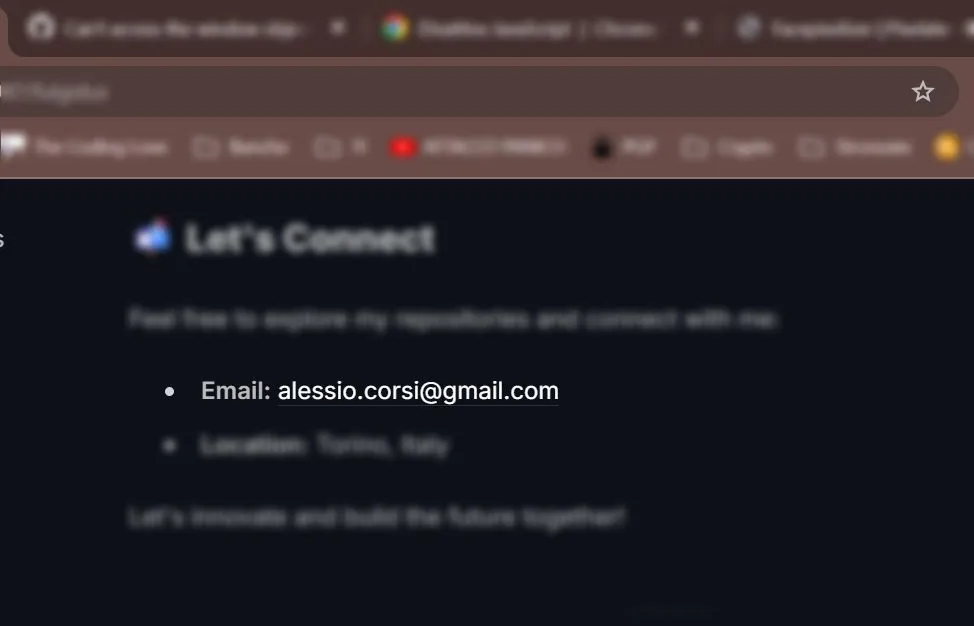 Clean, clickable email link for regular visitors
Keeping It Secure
Want to make it even safer? Here are some extra steps you might consider:
- Add rate limiting to prevent rapid-fire access
- Throw in a CAPTCHA for extra protection
- Keep an eye on unusual access patterns
- Mix up your encoding patterns now and then
Performance? No Worries
This solution is light as a feather:
- Tiny code footprint (about 1KB minified)
- Loads only when needed
- No extra libraries required
- Smart about DOM updates
Wrapping Up
We’ve built a solid solution that keeps email addresses safe without making life difficult for real users. The combination of Vue.js and Astro gives us a fast, secure component that’s ready for the real world.
Want to take it further? You could:
- Add your own encoding tricks
- Track how it’s being used
- Test different approaches
- Make it even more accessible
⚠️ Remember, this is just one piece of the security puzzle. Use it alongside other good security practices for the best protection.